Call routing decides what happens between the moment a phone rings and the moment someone answers. Done well, callers reach the right person quickly and your team shares the load fairly. Done badly, callers bounce between colleagues, wait on hold and hang up.
This guide explains how call routing works, the main strategies, and how to design a simple call flow you can improve over time.
What is call routing?
Call routing is a set of rules that sends each incoming call to a destination: a person, a group of people, a recorded message, a voicemail box or an automated assistant. The rules can depend on:
- Which number was called, for example your sales line or your support line;
- When the call arrives, inside or outside opening hours;
- What the caller chooses in a menu (“press 1 for…”);
- Who is available to take the call right now.
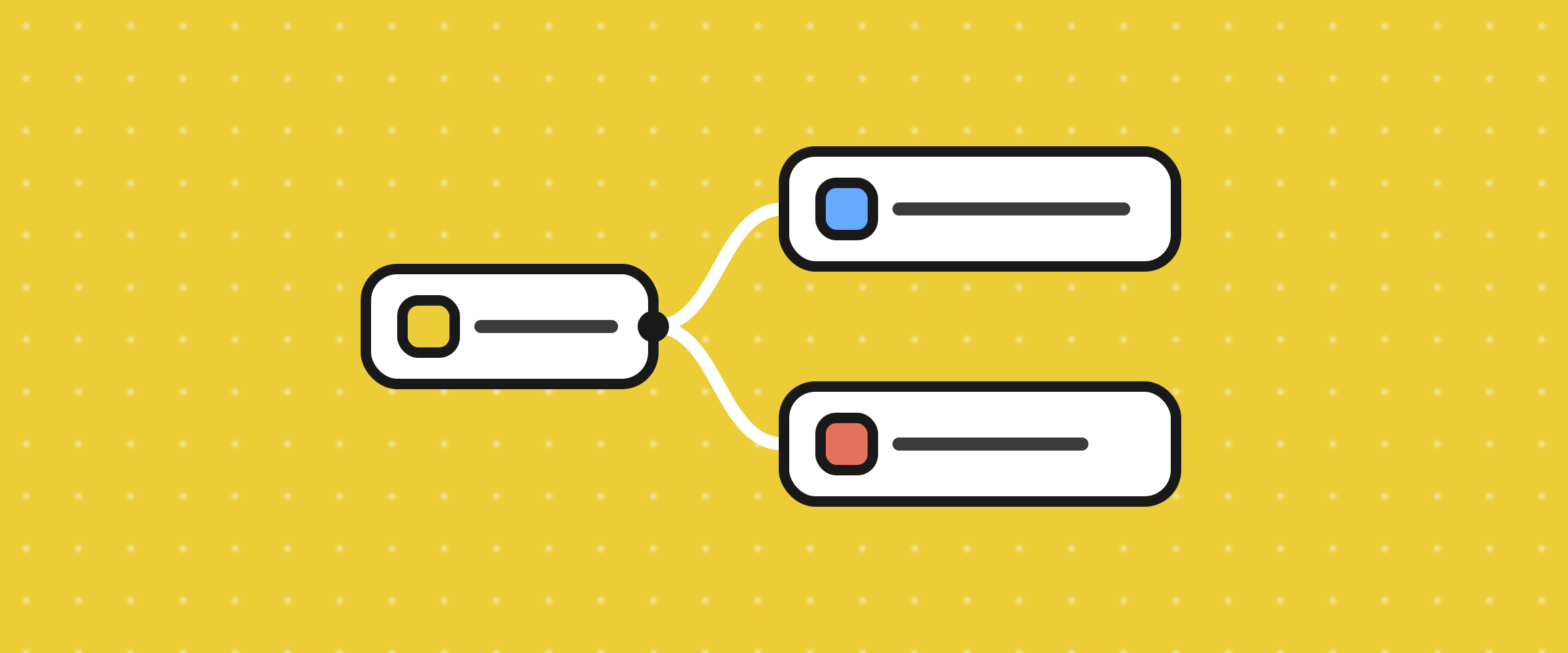
In ToCaller these rules are a call flow: a visual chain of blocks attached to each phone number.
The main routing strategies
Direct routing
Every call to a number goes to one person or one team. It’s the simplest option and works well for small teams or dedicated lines, for example a number published only for existing clients.
Menu routing (IVR)
Callers hear a short menu and choose an option with the keypad. Use it when callers need different teams, like sales, support and billing. Keep it short: three or four options is plenty. Our article on IVR best practices covers the details.
Time-based routing
Calls go to different places depending on your opening hours: your team during the day, voicemail or an on-call phone at night and on weekends.
Ring strategies within a team
When a call reaches a team, you still need to decide who rings:
- Ring everyone at once: the fastest answer, but people can step on each other.
- Ring agents in turn: spreads the work evenly and gives everyone a fair share of calls.
- Fallback: if nobody answers, forward to another team, an external number or voicemail.
AI-assisted routing
An AI voice agent can answer, understand what the caller needs and either help directly or hand over to a person. It is most useful when your team is busy or closed, so callers always get a response.
How to design your first call flow
Start by writing down why people call you, and how many of them call for each reason. Then build the simplest flow that serves those reasons:
- Greeting (Playback Audio): name your business and, if useful, mention the one thing most callers want, such as your website for order tracking.
- Business Hours: split open and closed.
- Menu (only if you have more than one team): two to four options.
- Dial: ring the right agents for each option, or forward to an external number.
- Voicemail as the safety net when nobody answers or you’re closed.
Every caller should always have a next step. A call flow that ends in silence or an endless ring is the most common cause of lost calls.
Routing mistakes to avoid
- Too many menu levels. Each extra level adds seconds and frustration.
- No fallback. If the only person who can answer is away, the caller should still reach someone or something.
- Routing to people who are away. Ask your team to set their status, so calls only ring people who are available.
- Never reviewing the flow. Look at your call history every few weeks: where do calls get missed, and at what times?
Measure whether your routing works
A few simple signals tell you whether your routing is doing its job:
- Missed and abandoned calls: how many callers hang up before anyone answers. See how to reduce call abandonment.
- Transfers: frequent transfers usually mean calls land in the wrong place first.
- First-call resolution: whether the issue was solved without a callback.
Set it up in ToCaller
Each ToCaller number has its own call flow built from blocks such as Menu, Dial, Business Hours, Playback Audio, Voicemail and AI Agent. To get started, buy a number, assign it to your team and connect the blocks for the flow you designed above.