Every member of a workspace has a role. Roles decide what a person can see and change. Each role includes everything the role before it can do.
The roles at a glance
| Role | Best for | What they can do |
|---|---|---|
| Agent | People who make and answer calls | Make and receive calls, use contacts, see their own calls, recordings and call analytics. |
| Supervisor | Team leads and coaches | Everything an Agent can do, plus see the team’s calls, recordings and analytics, and monitor the team. |
| Admin | People who run the system | Everything a Supervisor can do, plus manage users, phone numbers and workspace settings, and see all calls, recordings and analytics in the workspace. |
| Owner | The person responsible for the account | Everything an Admin can do, plus the plan, billing (including adding funds) and security settings. |
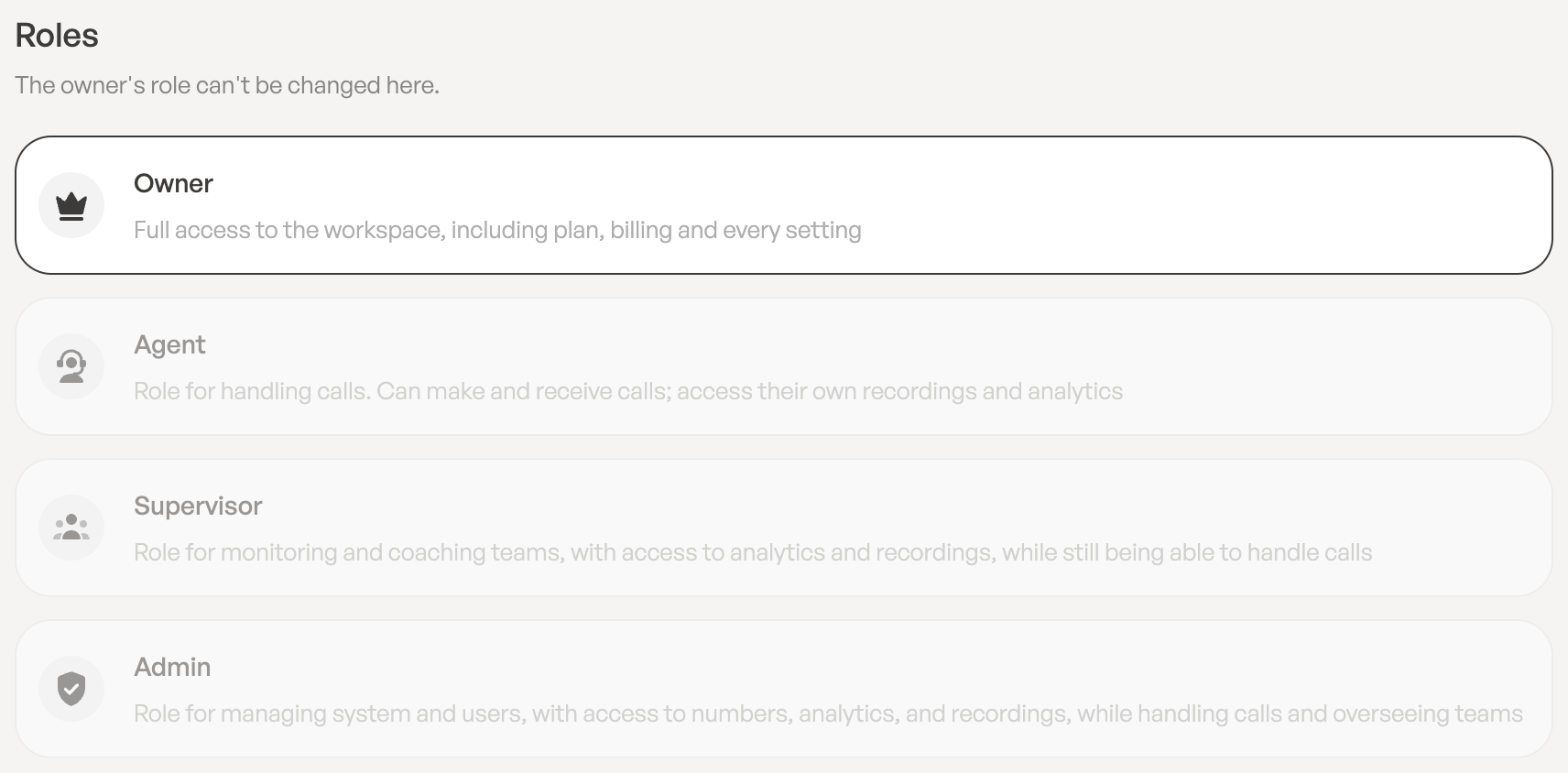
The Owner
The person who created the workspace is its Owner. The Owner has full access to the workspace, including the plan, billing and every setting. Only the Owner can:
- choose the plan and change the number of licenses,
- add funds to the balance,
- open Manage billing to change the card, download invoices or cancel.
The Owner’s role can’t be changed from the users page.
Who can do what
| Task | Agent | Supervisor | Admin | Owner |
|---|---|---|---|---|
| Make and receive calls | Yes | Yes | Yes | Yes |
| Use contacts | Yes | Yes | Yes | Yes |
| See own calls and recordings | Yes | Yes | Yes | Yes |
| See the team’s calls and recordings | No | Yes | Yes | Yes |
| See all calls and recordings | No | No | Yes | Yes |
| Invite and manage users | No | No | Yes | Yes |
| Buy and manage phone numbers | No | No | Yes | Yes |
| Change workspace name and logo | No | No | Yes | Yes |
| See the balance | No | No | Yes | Yes |
| Add funds, choose a plan, manage billing | No | No | No | Yes |
Change someone’s role
- In the sidebar, click Users and click the person’s name.
- Under Roles, click the role you want: Agent, Supervisor or Admin.
- In the Change Role dialog, click Change role. You’ll see Role updated.
Only the Owner and Admins can change roles. You can’t change your own role: ask an Admin or the Owner. Your current role is shown on your profile under Roles & Permissions.
Leave a Reply